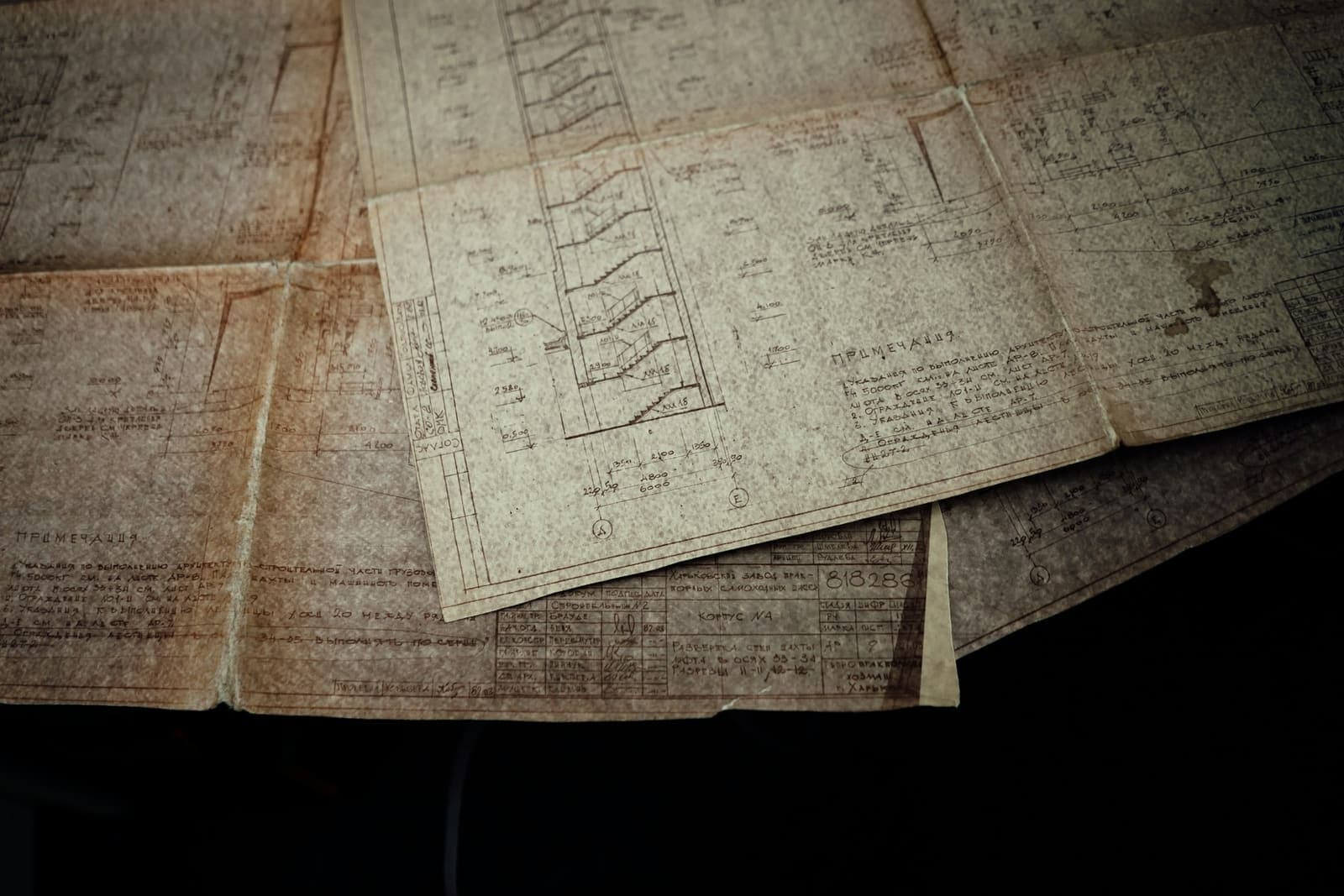
CAD conversion turns paper drawings, scans and PDFs into editable CAD files. Here is how it works, when it is worth doing, and how to make sure the result can be trusted.
IN SHORT
- CAD conversion turns paper drawings, scans and PDFs into editable, accurate CAD files.
- It is worth doing when you need to reorder, modify or machine parts from old drawings.
- Reliable conversion is redrawn and checked by an engineer, not just auto-traced.
Many manufacturers have years of product knowledge locked in paper drawings, scanned images and flat PDFs. They can be printed, but not edited, and they cannot drive a CNC machine. CAD conversion turns them into native CAD files you can change, reuse and manufacture from.
What is CAD conversion?
CAD conversion is the process of turning a drawing that is not editable CAD, such as a paper drawing, a scan or a PDF, into a CAD file. It also covers moving drawings between CAD formats, and turning 2D drawings into 3D models.
Types of CAD conversion
| TYPE | WHAT IT MEANS | TYPICAL USE |
|---|---|---|
| Paper or scan to CAD | Redraw a paper drawing or scan as a 2D CAD file | Digitising old drawing archives |
| PDF to CAD | Rebuild a PDF drawing as editable CAD | Supplier drawings, lost source files |
| 2D to 3D | Build a 3D model from 2D views | Moving a product to 3D design |
| Format to format | Move between CAD systems or versions | Changing CAD platform |
When is CAD conversion worth doing?
- .01You need to reorder or remake a part and only have an old drawing
- .02The design needs changes and nobody can edit the original
- .03Parts will be CNC machined, laser cut or nested and need clean geometry
- .04You want drawings to one standard, under proper revision control
- .05You are moving your product range into 3D CAD
Why auto-tracing is not enough
Software can trace a scanned image into lines automatically, but the result is usually not reliable for manufacturing. Lines are broken, scale drifts across the sheet and dimensions do not match the geometry. Accurate conversion means an engineer redraws the part to the stated dimensions, then checks it against the original.
TRUST THE DIMENSIONS, NOT THE SCAN · PAPER STRETCHES AND SCANS DISTORT. GEOMETRY SHOULD BE DRAWN TO THE NUMBERS ON THE DRAWING.
How a good conversion works
- .01Collect the best available copies and any related drawings
- .02Redraw to the stated dimensions, not by tracing
- .03Flag missing or conflicting dimensions as questions, rather than guessing
- .04Apply your title block, layers and drawing standard
- .05Check the new drawing against the original, by a second engineer
- .06Issue native CAD files with a clear revision record
What you get back
Native CAD files such as DWG or SolidWorks, a PDF set for review, and where needed 3D models and DXF files for cutting. From then on, the drawings can be changed like any other CAD file.
Questions people ask
What is CAD conversion?
CAD conversion turns drawings that cannot be edited, such as paper drawings, scans and PDFs, into editable CAD files. It also covers 2D to 3D conversion and moving between CAD formats.
Can a PDF be converted to CAD?
Yes. Vector PDFs can sometimes be imported directly but often need cleaning up. Scanned PDFs need to be redrawn. Either way, the result should be checked against the original dimensions.
How accurate is CAD conversion?
When an engineer redraws the part to the dimensions on the drawing and a second engineer checks it, the result is as accurate as the original drawing. Auto-traced files are much less reliable.
What file formats does CAD conversion produce?
Usually DWG or DXF for 2D, and native SolidWorks, Inventor or STEP files for 3D, along with a PDF set for review.
How long does CAD conversion take?
It depends on the number of drawings, their complexity and the quality of the originals. Ask for a fixed quote based on a sample of the drawings.