2D drawings and 3D models do different jobs. Here is a plain comparison of cost, speed and use, and how to decide which your project needs, or whether you need both.
IN SHORT
- 2D drafting is quick and cheap for simple parts, layouts and changes to existing drawings.
- 3D modelling pays off for assemblies, sheet metal, design changes, clash checks and CNC.
- Most manufactured parts need both: a 3D model as the master, and 2D drawings for the shop floor.
It is a common question when a project starts: do we need a 3D model, or will 2D drawings do? The honest answer is that they do different jobs, and most production work ends up needing both.
What is 2D drafting?
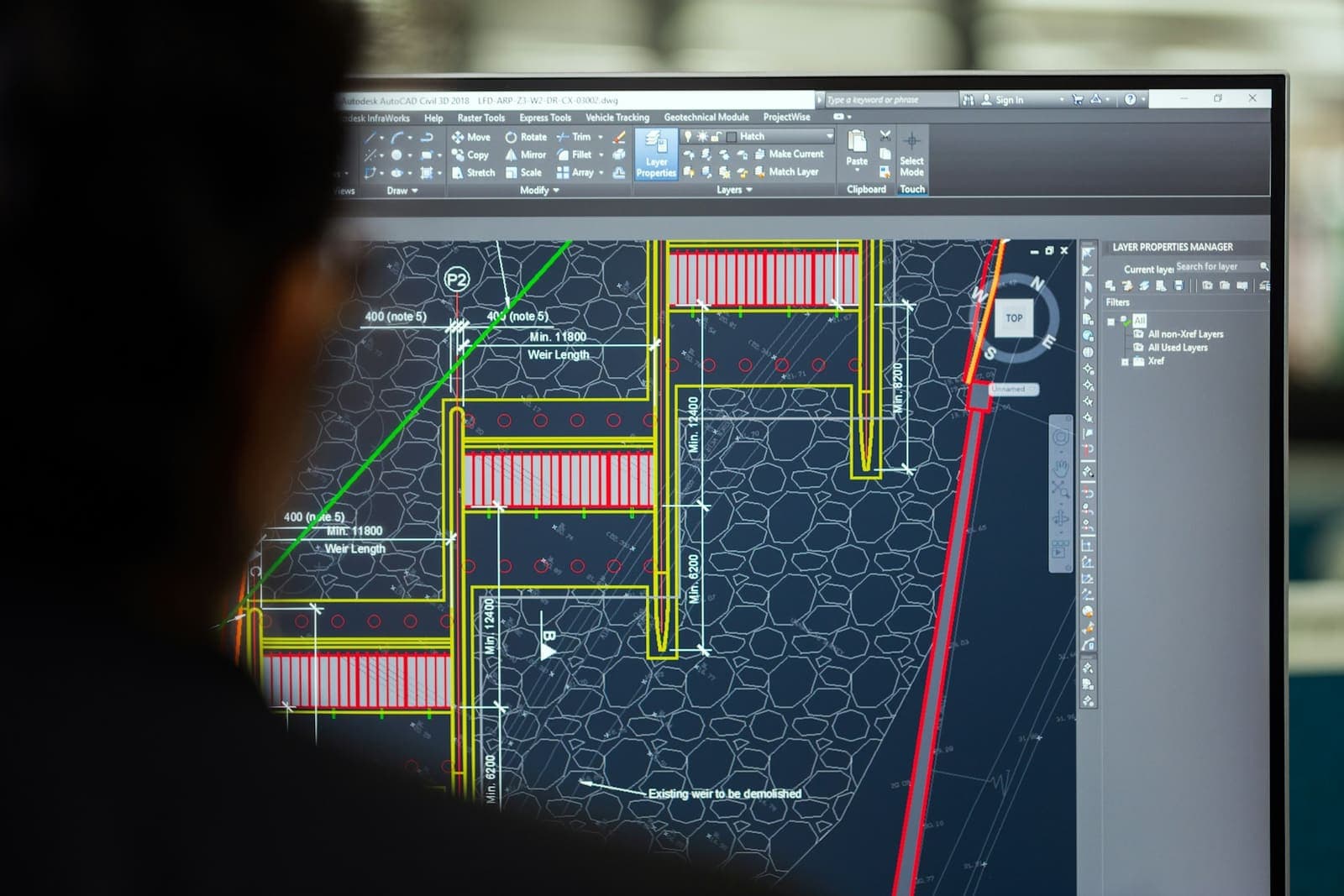
2D drafting produces flat drawings: views, sections, dimensions, tolerances and notes. It is usually done in AutoCAD or a similar tool. The drawing is the design.
What is 3D CAD modelling?
3D modelling builds the part or assembly as a solid model, usually in SolidWorks, Inventor or similar. 2D drawings are then generated from the model, so they update when the model changes.
Side-by-side comparison
| 2D DRAFTING | 3D CAD MODELLING | |
|---|---|---|
| Best for | Simple parts, layouts, edits to existing drawings | Assemblies, complex parts, product development |
| Upfront effort | Lower | Higher |
| Design changes | Each view edited by hand | Change the model, drawings update |
| Fit and clash checks | Difficult | Built in |
| Sheet metal flat patterns | Calculated by hand | Generated automatically |
| CNC and CAM | Limited | Model drives programming |
| Visualisation | Needs experience to read | Easy to understand and render |
When 2D drafting is enough
- .01Simple flat or turned parts with few features
- .02Plant and factory layouts
- .03Updating or correcting existing 2D drawings
- .04Schematics and general arrangement drawings
- .05Joinery shop drawings for straightforward items
When you need a 3D model
- .01Assemblies where parts must fit together
- .02Sheet metal parts that need accurate flat patterns
- .03Products that will go through design changes
- .04Parts that will be CNC machined or moulded
- .05When you need renders, FEA or mass properties
THE USUAL ANSWER · MODEL IN 3D AS THE MASTER, ISSUE 2D DRAWINGS FOR MANUFACTURE AND INSPECTION.
Why 2D drawings still matter
Even with a full 3D model, the shop floor and inspection usually work from 2D drawings. They carry tolerances, GD&T, surface finish and notes in a form everyone can read and sign off. Model-based definition is growing, but most supply chains still expect a drawing.
Converting from 2D to 3D
If you have legacy 2D drawings and want the benefits of 3D, they can be converted. The model is rebuilt from the drawings, checked against them, and new drawings are generated from it.
Questions people ask
Is 3D CAD better than 2D?
Not always. 3D is better for assemblies, complex parts and anything that will change or be machined. 2D is faster and cheaper for simple parts, layouts and edits to existing drawings.
Do I still need 2D drawings if I have a 3D model?
Usually yes. Most fabricators and inspectors still work from 2D drawings with dimensions, tolerances and notes, generated from the 3D model.
Which software is used for 2D drafting and 3D modelling?
AutoCAD is the most common for 2D drafting. SolidWorks, Inventor and similar tools are widely used for 3D modelling and the drawings generated from it.
Can 2D drawings be converted to 3D models?
Yes. An engineer rebuilds the part as a 3D model from the 2D views, checks it against the original, and can then produce new drawings from the model.